Beyond the Day Job: Inside My Homelab

Been a minute! While I've been heads-down with work and life engagements, my homelab has been quietly leveling up in the background. And honestly? This is probably the most exciting update I've shared in a while.
First off, how is everyone? I hope you're all doing okay—especially my fellow Pinoy engineers and DevOps practitioners. We're all playing on hard mode these days with prices soaring to levels we've never seen before. And Roblox getting banned? What a time to be alive. But that's not what I want to talk about today. Let me share the evolution of my Home Labbing journey.
The Setup: From Apartment to Proper Homelab
It's been almost 2 years since my last blog about this. Back then, I was in my apartment days—barely had space for a single 24/7 server. Fast forward to today: thanks be to GOD, I've moved to a proper house with enough room to properly expand. And expand I did.
The containers I run have grown significantly, and my previous two-node cluster couldn't keep up anymore. As of this writing, I have 4 computers running as servers, with another machine pulling double duty as both gaming PC and backup server.
The Hardware Roster
3 x86 servers running Proxmox VE in a cluster:
- 2x Ryzen 7 5700 + Ryzen 5 5600 for a total of 44 cores (with plans to add another Ryzen 7 5700 when the gaming PC rejoins the cluster)
- 160GB DDR4 RAM across all nodes
- 3x Nvidia RTX 3060 12GB VRAM — ideal for local AI workloads with that generous VRAM
- A combined 4TB+ in storage capacity
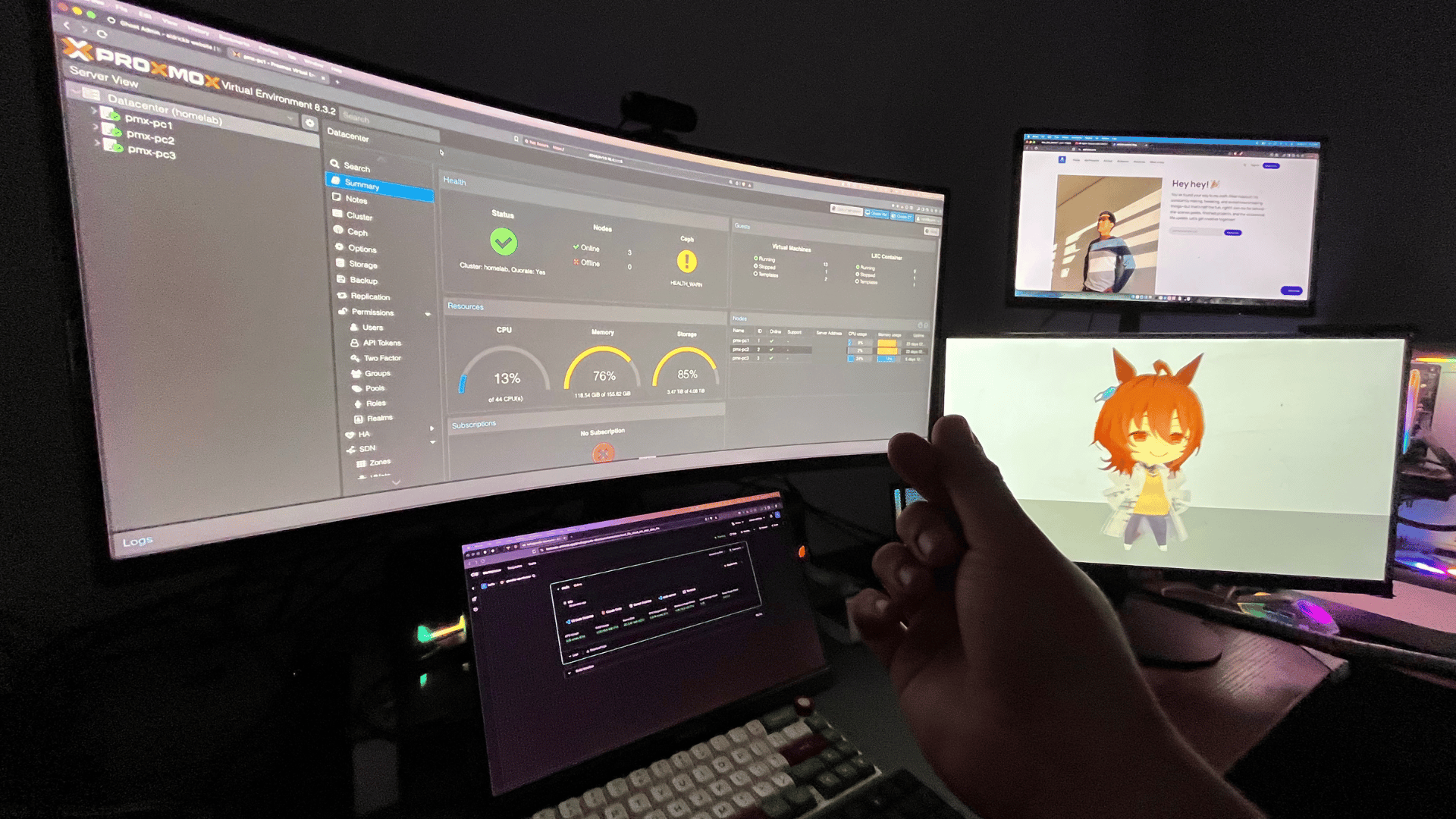
1 Mac Mini M1: This one serves a special purpose—it's my dedicated TESTCODER server for macOS-only development environments. See, my x86 Proxmox cluster easily runs Windows and Linux workspaces, but it can't run macOS. The Mac Mini fills that gap perfectly.
Bonus: It also serves as a dedicated display for my NVR. I can code and keep an eye on my surroundings at the same time.
And yes, technically this should be 4 x86 servers + 1 Mac Mini running full-time. But with RAM prices also skyrocketing (which I kinda contributed to, thanks to my local AI addiction 😂), one machine currently pulls double duty: my gaming PC when I need to decompress, and a backup server when research demands more GPU power. Look, I'm a gamer at heart. Sanity maintenance is important.
When I need all 3 RTX 3060s running for AI model research, that gaming rig rejoins the cluster. DevOps life means flexibility.
My current homelab setup
Wait, Why So Many Servers?
Fair question! Two main reasons:
- I genuinely enjoy building computers. Growing up, I spent countless hours in Internet Cafes geeking out over shiny RGB rigs. Now? I own those shiny RGB computers. Full circle moment.
- Professional growth as a DevOps engineer. Every container I run teaches me something new about infrastructure, automation, monitoring, and reliability. This is my playground for skills that matter in real production environments.
What I'm Running: The Services
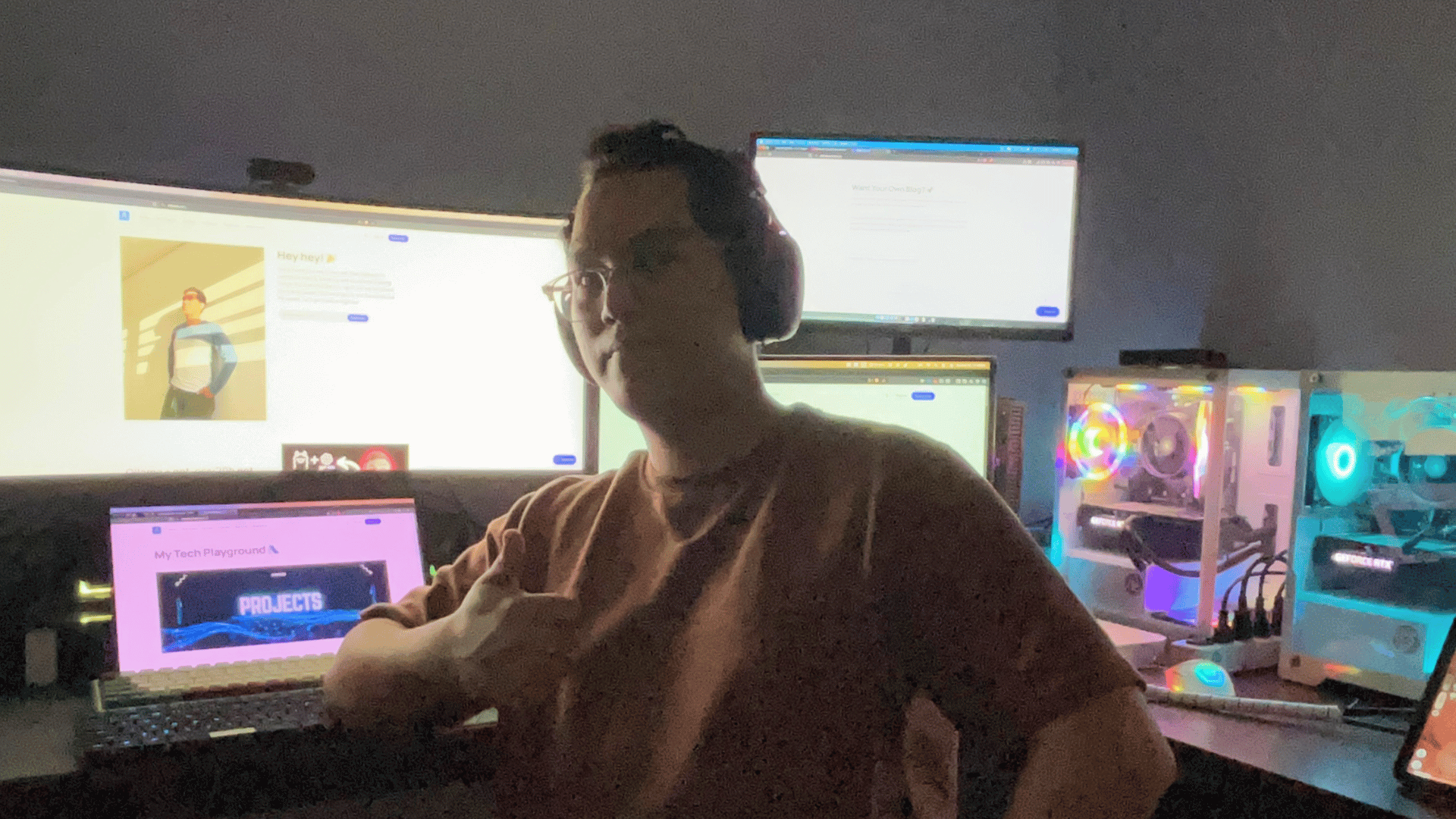
1. This Website (aldrickb.com)
Of course, number one is the very page you're reading right now. My personal corner of the internet—and yes, I self-host it.
Why? Because I can. Because Hostinger or Vercel offers cheap-to-free hosting, sure. But where's the fun and learning in that? I was always drawn to emerging technologies. This website is my proof that I can run production-grade infrastructure from my own home. If I can keep my personal site running 24/7 with proper CI/CD pipelines, what else can I manage?
2. AldrickB APP Platform (My Self-Hosted Vercel Alternative)
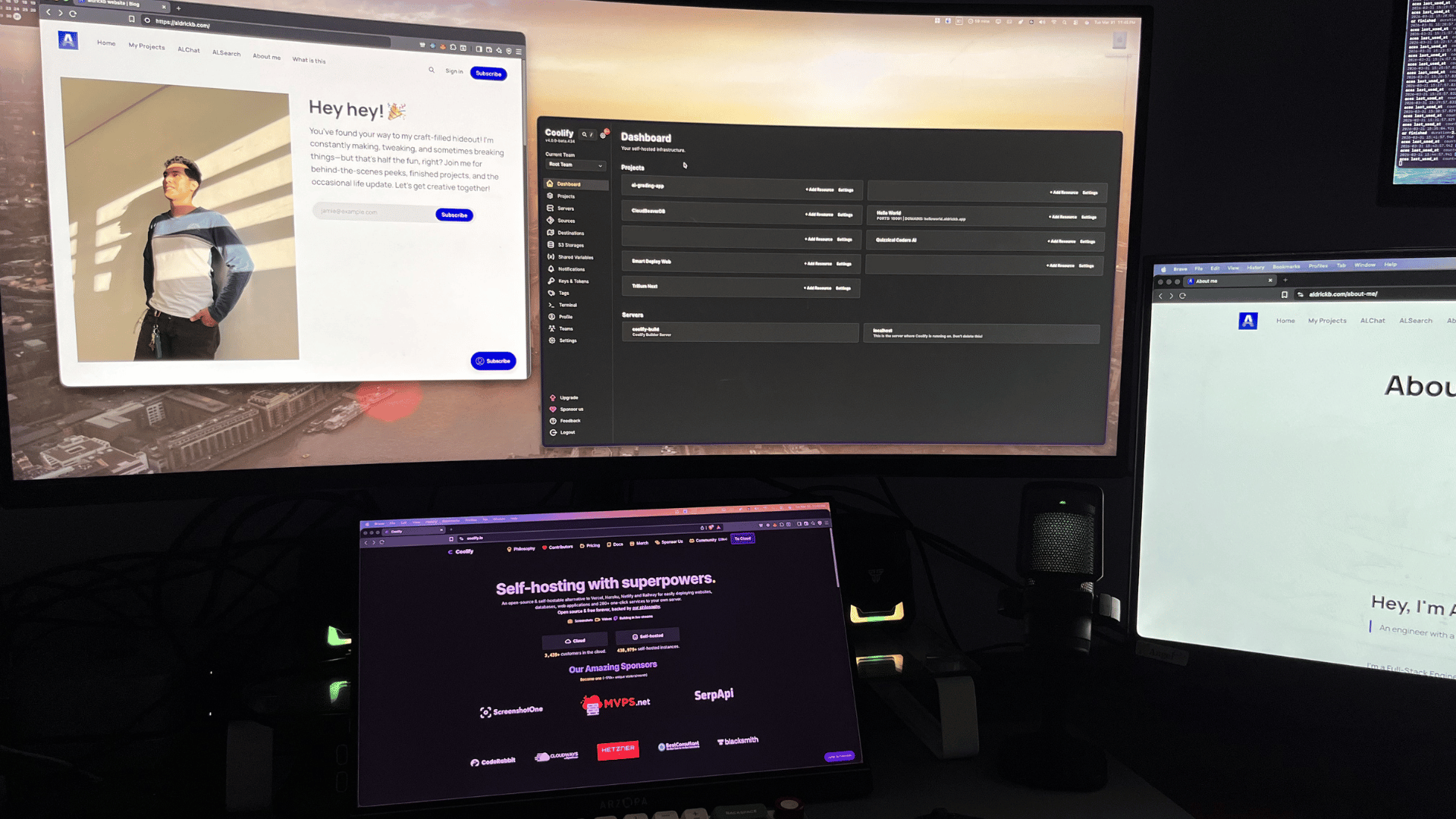
Powered by Coolify, this is my very own application deployment platform. Think of it as a self-hosted Vercel alternative.
- Push code → automatic deployments
- Quick prototyping for new projects
- Spin up near-production replicas of apps for debugging
- Full CI/CD integration without relying on third-party services
During my past work engagements, this became invaluable. I could run almost-production replicas of applications and debug issues that only manifested in production-like environments. DevOps flex: knowing how to replicate production issues locally.
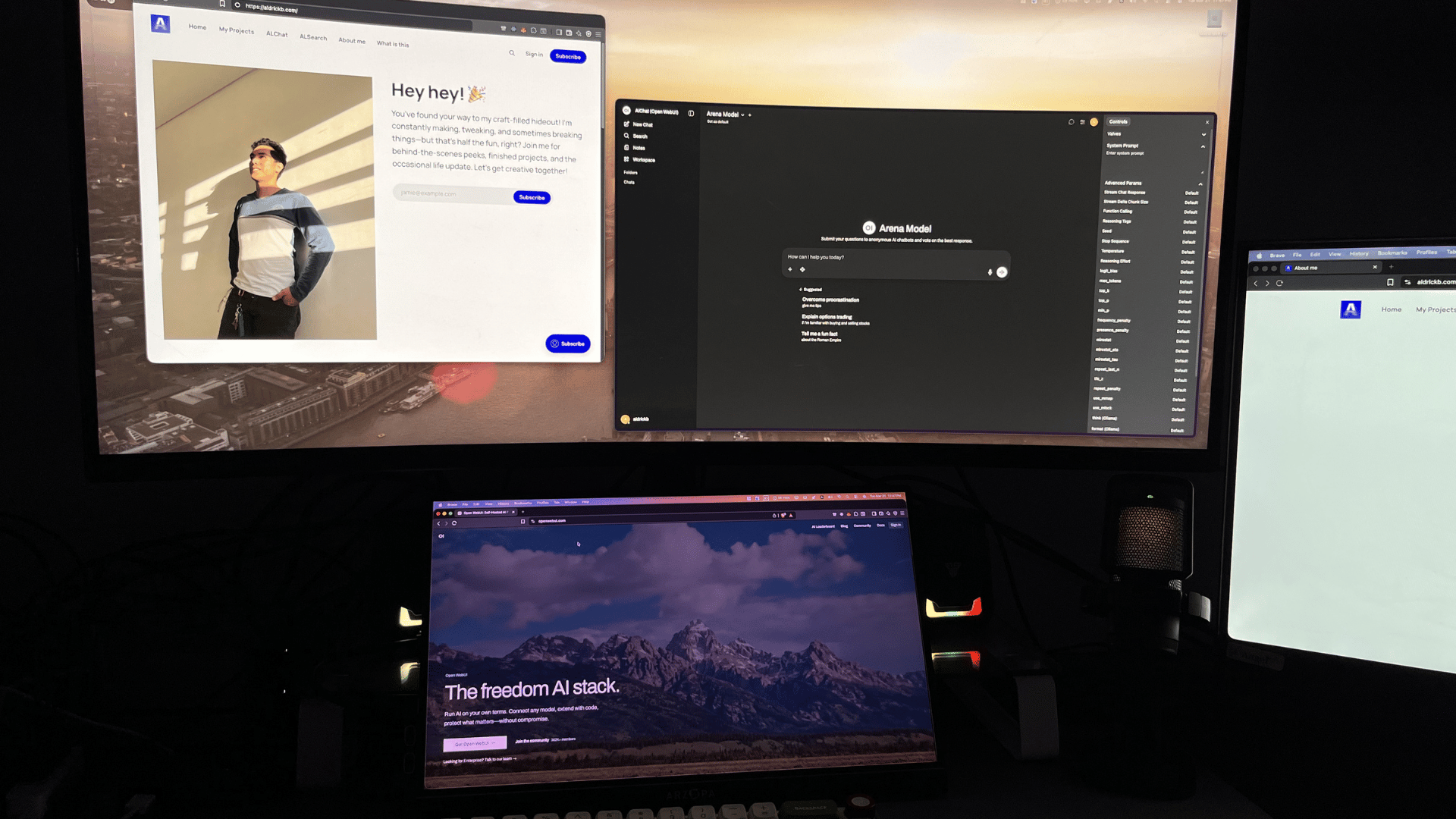
3. ALCHAT — My Private AI Assistant
One of my favorites. With Ollama running locally, I don't need to pay big tech companies for AI subscriptions. But that's not even the best part:
- Privacy-first: All my data stays within my homelab. Nothing leaves my network.
- OpenWebUI integration: My own ChatGPT-like interface, running entirely offline
- N8N automation: Workflow automation that connects AI agents with my other services
- OpenAI-compatible API: I can serve AI capabilities to my prototype projects without external API calls
With ALCHAT + ALSEARCH (see below), I effectively have my own private Perplexity alternative. Powerful combination.
4. ALSEARCH — My Private Search Engine
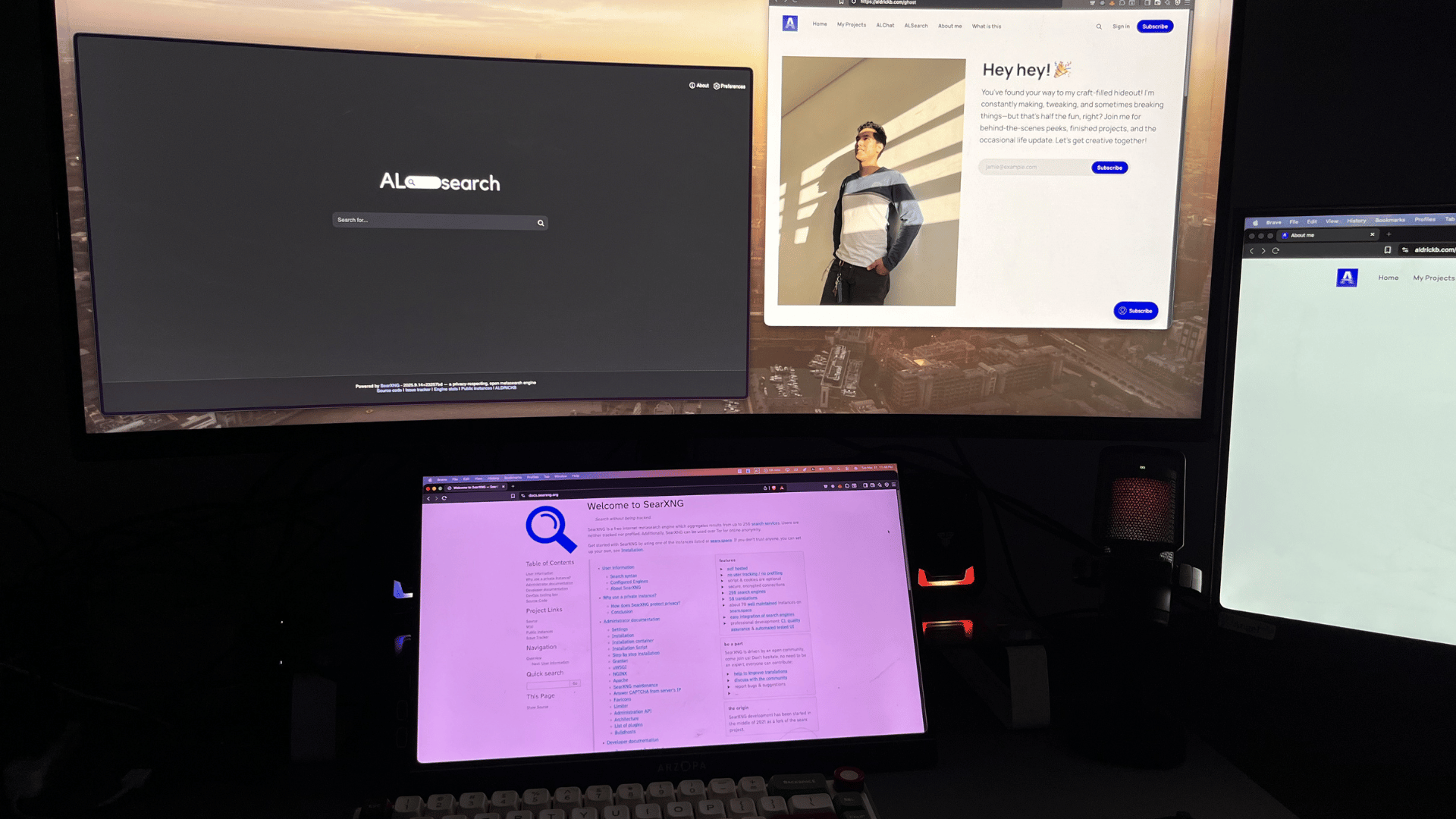
After deploying my own search engine using SearXNG, I rarely touch Google.com anymore. They don't have my search data to sell to advertisers. Privacy improvement: unlocked.
But here's where it gets interesting: ALSEARCH feeds into ALCHAT. I can run web searches and have my local AI process results—all without data leaving my home network. It's like having Perplexity, but respecting my privacy.
5. TESTCODERS — My Ultimate Dev Tool
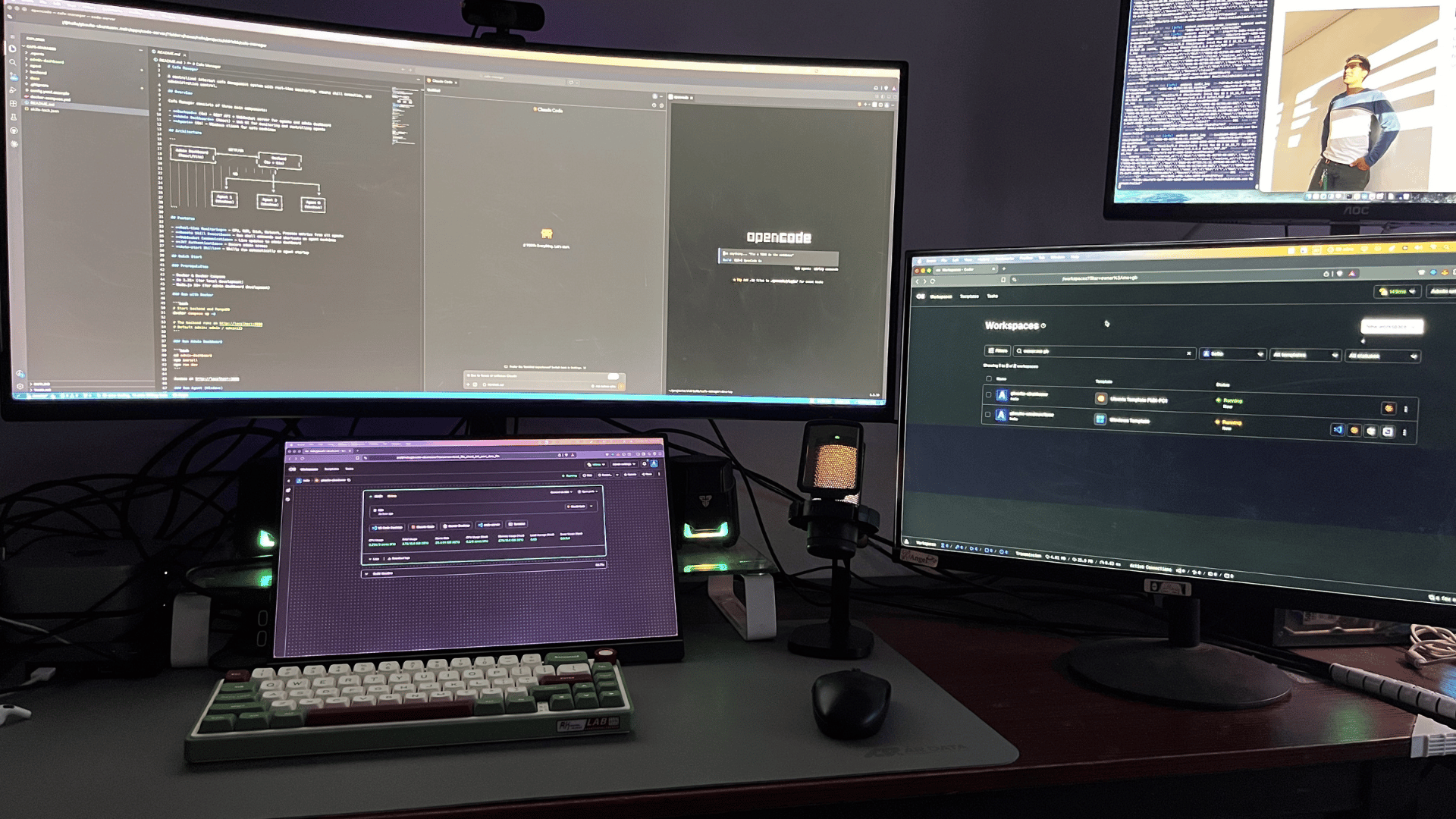
This one is my absolute favorite. TESTCODERS is my remote development environment—and yes, it runs on the Mac Mini M1 too, specifically for macOS workspaces.
Here's a real-world use case: Last December 2025, I had a casual meeting in Manila. I wanted to travel light—lots of walking expected, nowhere secure to store a backpack full of expensive gadgets. So I brought only my iPad. Despite having just an iPad, I was still confident I could deliver any coding task that day. Why? Because all the heavy lifting happens on my servers. I connect from anywhere, and my development environment awaits.
Platform flexibility:
- Windows & Linux workspaces → Proxmox cluster
- macOS workspaces → Mac Mini M1
Bonus: TESTCODERS is Terraform-heavy. Every time I spin it up, I'm practicing genuine DevOps skills. Infrastructure as Code in action.
The Other Services (Personal Use)
That's the flashy stuff, but here's what else runs 24/7:
- Pi-hole (x3): Two instances for my home network, another configured differently for my Internet Cafe. Network-wide ad blocking means every device—phones, tablets, smart TVs—benefits from privacy protection without individual configuration.
- Custom DNS servers: For my home network and my Internet Cafe (yes, I still run one remotely). Privacy and security at the network level.
- Home Assistant: Automates all my IoT devices at home. Smart home, self-hosted.
- NVR with dedicated GPU: Recording security footage with machine learning object detection. Primary reason I gave this a dedicated GPU: I don't want Tapo employees seeing me naked in my own home 😂. But seriously—local processing means better privacy and actually useful security alerts.
- Media Server: Movies and anime, served privately. No tracking, no data collection.
The Network Backbone
Running on a budget means being strategic. My networking core is a TP-Link Omada Gigabit VPN Switch/Gateway handling:
- PLDT Fiber at 1Gbps as primary internet
- Multiple 5G data networks at 100Mbps+ each as automatic failover backups
From there, consumer-tier Xiaomi WiFi 6 routers and switches connect all my devices and servers. Not enterprise-grade, but surprisingly reliable for the price point. When PLDT goes down (and it does), my homelab automatically fails over to 5G. No manual intervention needed.
Is it enterprise-tier? No. Does it work beautifully for a homelab budget? Absolutely.
The Reality Check
Alright, let's be honest: my electricity bill isn't thrilled about all these computers running 24/7. Around ₱5,000/month—but honestly, that's lower than expected. I have a DIY solar setup running as backup and offsetting costs during peak hours.
But here's the real flex: uptime reliability.
Last year (2025), when AWS and Cloudflare both had major global outages that took down half the internet, my websites and services never went down. Why? Because I'm not dependent on a single cloud provider's infrastructure. When you run your own servers, cloud outages are someone else's problem.
Here's the thing—being a freelancer working from home has its challenges. The harder challenge isn't the isolation; it's ensuring my skillset doesn't stagnate. When you're not exposed to new production environments at a day job, you need to create your own learning opportunities.
My homelab is my sandbox. My production lab. My resume in executable form.

What's Next?
The homelab never stops evolving. Current roadmap priorities:
- High Availability for Proxmox: Because single points of failure are rookie mistakes. Proxmox has built-in HA capabilities I plan to leverage.
- Ceph distributed storage: My NVR and media server consume more than half of my 4TB. Time to build proper distributed storage with redundancy.
- Dedicated NAS: Large backups need a proper home. Offloading storage from compute nodes.
- RAID configurations: Currently running standalone disks (budget constraints, always budget constraints 😅). When resources allow, redundancy becomes priority.
- More AI automation: Expanding N8N workflows because why do manually what can be automated?
Final Thoughts
You might notice I don't have a ton of new portfolio projects lately. Partly because AI can now code, and partly because my past work engagements consumed most of my time. But I'm not worried.

DevOps and infrastructure engineering aren't easily automated by AI. The ability to design, deploy, maintain, and troubleshoot complex systems—that's still very much a human skill. And this homelab keeps me sharp.
If you're a recruiter or hiring manager reading this: this is what I build for myself. Imagine what I could build for your company.
Got questions about any of these setups? Want more details on a specific service? Drop me a message. I'm always happy to talk homelab tech.
Until next time! 🚀